

By Nicole Parker, Degree Works Consultant | David Kent Consulting
What to Review in Your Configuration, Scribe, Data, Integrations, and User Experience Before Small Issues Become Bigger Problems
Graduation season ends, registration settles down, and everyone finally gets a chance to breathe. Then Degree Works quietly moves to the bottom of the priority list.
That’s understandable. If audits are running and students can register, it feels like everything is working. The problem is that Degree Works rarely develops one major issue overnight. Instead, small changes build over months and years. New academic programs are introduced. Policies evolve. Banner processes change. Staff members come and go. New functionality is released. Exceptions become routine. Eventually, institutions begin working around Degree Works instead of relying on it.
By the time someone notices, advisors have stopped trusting audits, the registrar is spending more time investigating than preventing issues, and every graduation cycle feels harder than the last.
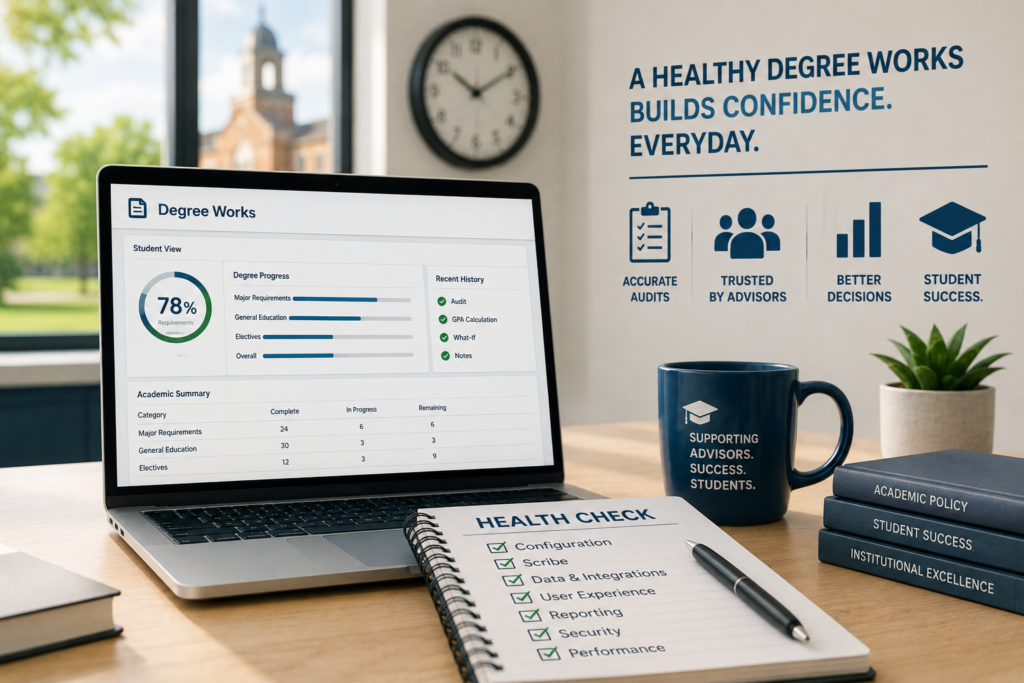
A Degree Works health check isn’t about finding something that’s broken. It’s about making sure the system still reflects how your institution operates today and continues to provide the experience your students and advisors expect.
Why Ellucian Degree Works Slowly Falls Out of Alignment
One of the biggest misconceptions is that once Degree Works is implemented, the hard work is finished. In reality, implementation is just the beginning. Academic policies continue to change every semester. New majors and minors are added. General education requirements evolve. Transfer policies are adjusted. Banner upgrades introduce new functionality. Departments request small exceptions that make sense individually but slowly add complexity across the system.
None of those changes are unusual. They’re signs of an institution that continues to grow and improve. The challenge is making sure Degree Works grows alongside those changes instead of falling a few steps behind.
After working with institutions across the country, we’ve found that most environments don’t have one major problem. They have dozens of small ones that have accumulated over time.
A Degree Works Health Check Looks Beyond the Scribe
When people hear “Degree Works review,” they usually think about scribing. Scribing is certainly part of the conversation, but it’s only one piece of a healthy Degree Works environment.
A complete health check should evaluate both the functional and technical sides of the application. That includes reviewing Banner integration, Degree Works configuration, Controller settings, Transit jobs, dashboards, reporting, security, and any customizations that have been added over the years. Every one of those pieces contributes to how users experience the degree audit system each day.
Just as important is understanding how people actually use the system. One of the most valuable conversations during a health check is sitting down with the people who spend the most time in Degree Works. Ask advisors, registrar staff, evaluators, and degree analysts one simple question:
“What are your top five frustrations?”
Sometimes the answers uncover technical issues. Sometimes they identify processes that have quietly become inefficient. Other times they reveal functionality that’s already available but was never implemented or communicated to users.
Those conversations build trust. When users see their feedback turn into improvements, confidence in the system grows. When confidence grows, Degree Works becomes the first place people look instead of the last place they verify.
Staying Current With Ellucian Degree Works Releases Matters More Than Most Institutions Realize
One area that doesn’t always get enough attention is keeping Degree Works current. Ellucian releases quarterly updates along with point releases that address defects, improve functionality, and introduce enhancements. Many institutions delay upgrades because the current version appears to be working well enough, especially when other campus priorities take precedence.
The challenge is that staying behind can create unnecessary work. We’ve seen institutions build manual processes or develop creative workarounds for issues that were resolved several releases ago. We’ve also seen campuses continue using older processes because they weren’t aware newer functionality existed.
That doesn’t mean every quarterly release needs to be installed immediately. Every institution has its own testing process and change management timeline. But a health check should include understanding where your environment stands, what improvements have been released since your last upgrade, and whether staff are spending time solving problems that newer versions of Degree Works already address.
Keeping current isn’t just about having the latest version. It’s about reducing maintenance, improving reliability, and giving your staff the best tools available.
The Small Issues Usually Matter Most
Some of the most valuable improvements we’ve helped institutions make weren’t large implementation projects. They were small operational changes that removed frustration for advisors, students, and registrar staff every single day.
Sometimes it’s cleaning up years of inconsistent scribing standards.
Sometimes it’s identifying Banner data that’s preventing audits from behaving consistently.
Sometimes it’s reviewing Controller settings that haven’t been revisited since implementation.
Sometimes it’s adding helpful information to Degree Works so students don’t have to search through multiple websites or call different offices to answer a simple question.
We’ve also helped institutions discover reports they didn’t know they needed, simplify graduation review processes, improve dashboards, and remove manual work that had become part of someone’s daily routine. Across these engagements, the pattern is consistent: institutions that address common issues with Degree Works audits early avoid compounding problems that become far more difficult to untangle later.
None of those improvements make headlines, but they do make Degree Works easier to trust.
Questions Worth Asking Every Year
A health check should prompt conversations that go beyond whether audits are technically correct. It should also ask whether Degree Works is providing the experience your campus wants students and advisors to have.
If you were implementing Degree Works today, would you build it the same way?
Have your academic policies changed faster than your audits?
Are advisors confident enough in the audit to use it as their primary advising tool?
Can students find most of the information they need in Degree Works, or are they being directed to multiple systems, webpages, and offices to piece everything together?
Is important information living in Degree Works where students and advisors naturally look, or is it scattered across emails, self-service, PDFs, shared drives, and institutional websites?
Have recent Degree Works releases introduced functionality that could eliminate manual processes your staff still performs today?
Are you maintaining workarounds for issues that may already have been addressed in a newer release?
Every institution will answer these questions differently. It’s about identifying where your system has evolved, where it has drifted, and where thoughtful improvements can make the biggest impact.
What a Healthy Degree Works Environment Looks Like
Healthy Degree Works environments all have one thing in common.
The technology supports the institution instead of requiring the institution to adapt around the technology.
Audits are predictable. Documentation is current. Banner and Degree Works stay aligned. Controller and Transit are maintained alongside the core application. Dashboards provide meaningful information. Staff understand why requirements were written the way they were, and governance exists for new programs and policy changes.
Most importantly, students and advisors trust what they see. That trust reduces confusion, improves advising conversations, supports graduation planning, and saves time across the registrar’s office.
A Health Check Doesn’t Have to Become a Major Project
Many institutions assume a health check means months of consulting work when it usually doesn’t. Sometimes the outcome is simply confirming that everything is in good shape. Other times it’s identifying a handful of improvements that can be addressed throughout the next academic year before they become larger operational challenges.
Either way, the goal is the same: understand where your Degree Works environment stands today and create a practical roadmap for keeping it healthy tomorrow.
Final Thoughts
Degree Works is one of the few systems that touches nearly every student’s academic experience. Small decisions made over time can influence advising, registration, graduation, and institutional confidence for years.
Taking time to evaluate the health of your environment before problems become visible is one of the best ways to protect the investment your institution has already made.
If your team has been wondering whether Degree Works still reflects today’s academic policies, technology, and student experience, a health check provides an opportunity to step back, evaluate the full environment, and make thoughtful improvements that continue paying dividends long after they’re implemented.
Key Takeaways
- A Degree Works health check should evaluate functional processes, technical configuration, Controller, Transit, dashboards, reporting, and Banner integration.
- Small issues that accumulate over time across scribing, Banner Data, and Controller settings have a greater impact than most institutions realize.
- Staying current with Ellucian’s quarterly releases helps reduce unnecessary workarounds and takes advantage of new functionality and defect fixes.
- Feedback from advisors, registrar staff, and other daily users can identify meaningful improvements that increase trust in the system.
- The ultimate goal of a Degree Works health check is creating an environment that serves students, advisors, and administrators from one reliable source of information.
Frequently Asked Questions: Degree Works
A comprehensive health check reviews scribing, Banner integration, Controller, Transit, dashboards, reporting, security, documentation, governance, technical configuration, and overall system performance.
Many institutions benefit from completing a health check every one to two years, especially after Banner or Degree Works upgrades, curriculum changes, staffing transitions, or major policy updates.
Not necessarily. Every institution should follow its own testing and release schedule. However, regularly reviewing new releases helps determine whether defect fixes or new functionality could improve your current processes.
Registrar staff, Degree Works administrators, Banner functional analysts, advisors, IT staff, and other frequent users all provide valuable perspectives. Including the people who use Degree Works every day often uncovers opportunities that technical reviews alone won’t identify.
The greatest benefit is confidence. When Degree Works reflects current academic policies, stays aligned with Banner, and provides meaningful information to students and advisors, the institution spends less time troubleshooting and more time supporting student success.
Yes. Degree Works audits can produce inaccurate results when scribing does not reflect current catalog requirements, when Banner data is incomplete or inconsistent, or when configuration settings have not been updated after policy changes. A health check identifies these discrepancies before they affect advising conversations, graduation clearance, or student trust in the system.
About the Author
Nicole Parker is a higher education student systems consultant with David Kent Consulting, specializing in Ellucian Banner Student and Degree Works. She works closely with Registrars, advising teams, and IT departments to help ensure academic policy, student records, and degree audit systems work together accurately and effectively.
Her work focuses on translating academic policy into system logic, from curriculum configuration and degree audit scribing to student record management and system governance. She helps institutions work through upgrades, improve degree audit accuracy, and align Banner and Degree Works configuration with the day-to-day needs of Registrar and Student Services offices.
Nicole works with colleges and universities across the country and stays engaged with higher education technology and student systems communities. That connection to both institutional operations and the broader higher education landscape helps keep her work grounded in current practices and the challenges institutions are facing today.
Let’s Make Degree Works – and Your Student Systems – Work for You
At David Kent Consulting, we help higher education institutions connect the dots between Banner Student, Degree Works, academic policy, and the day-to-day operations that support students.
Whether you’re planning or completing a Degree Works upgrade, reviewing audit accuracy, implementing Student Educational Planner, or evaluating how well your Banner and Degree Works configuration supports advising and student success, our team brings both functional and technical experience to the conversation.
We understand Registrar and Student Services environments, where academic policy, student records, technology, and advising processes all have to work together.
Our team can help with:
- Degree Works upgrades, including planning, testing, configuration, and post-upgrade support
- Degree Works configuration reviews and optimization
- Audit accuracy and scribe troubleshooting
- Banner Student configuration and policy alignment
- Post-upgrade health checks and new feature reviews
- Advising and Student Educational Planner functionality
- Governance and long-term system strategy
The goal isn’t just to have systems that run. It’s to have systems that reflect institutional policy, support the people using them, and provide students and advisors with information they can trust.
If you’re planning an upgrade, looking for ongoing support, or wondering where your current configuration and processes could work better together, we’d be happy to take a closer look.
Contact David Kent Consulting to start the conversation.
